Filter System
The UIFX Filter System allows you to apply image filters to any Unity UI (UGUI) components (TextMeshPro, Text, Image, RawImage etc). Spice up your visuals and transitions with powerful effects such as: Blur, Dissolve, Extrude, Glow, Outline, Wipe and many more!
Combine Filters
The system allows multiple filters to be applied to a UI component for endless possibilities.
Resolution Aware
All filters are resolution aware meaning they will look the same when your game runs at different resolutions. All distance values measured in pixels relative to the Reference Resolution on the Canvas Scaler component.
Bake
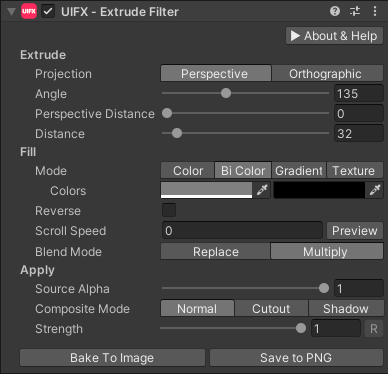
A filter and a stack of multiple filters can optionally be baked to an Image component or to a PNG file using the bake buttons:
Text Animator Support
The popular asset Text Animator can have Filter System filters applied.
Spine Support
The Spine animation system is supported by UIFX, so you can apply multiple filters to their powerful animated sprites.
SVGImage Support
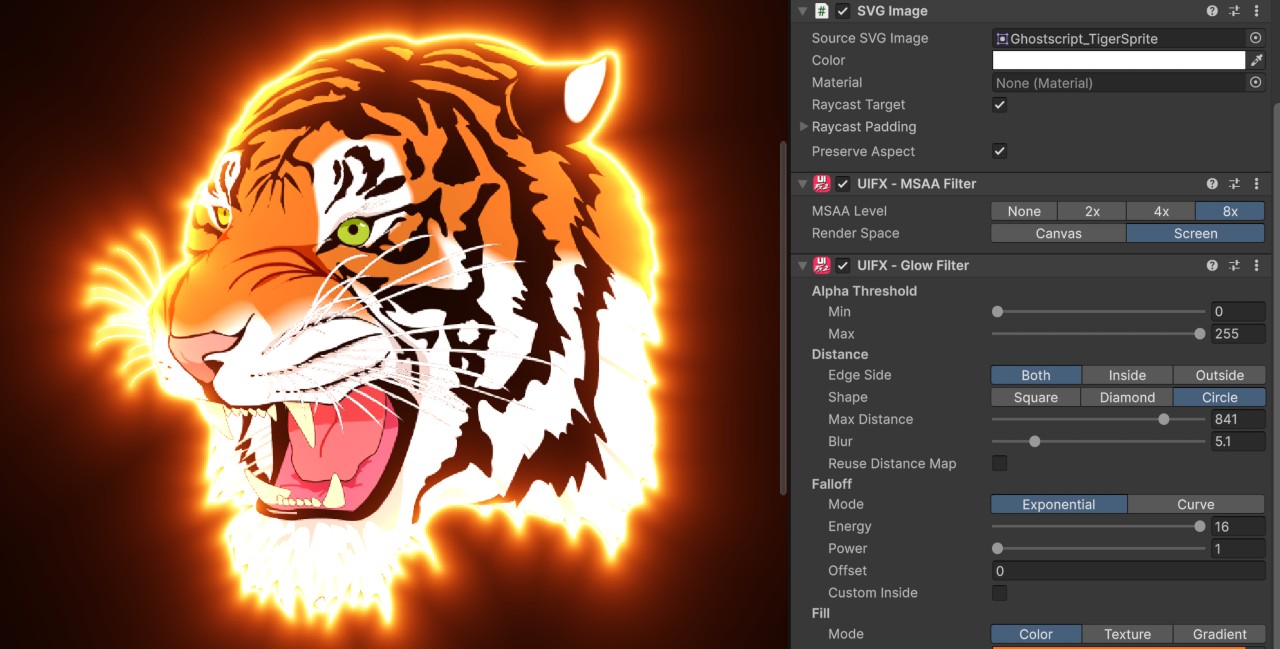
Unity's com.unity.vectorgraphics Vector Graphics package allows SVG vector images to be used by UGUI and UIFX filters are fully supported.
Figma / Canva
UIFX filters are essential for recreating the look of UI designs created in popular tools such as Figma or Canva.