UI Toolkit Filters
Add impact to your UI with UIFX filters for UI Toolkit!
Unity 6.3 added support for more complex shader logic so we began converting some of our Unity UI filter effects to UI Toolkit.
Filters
Long Shadow Filter
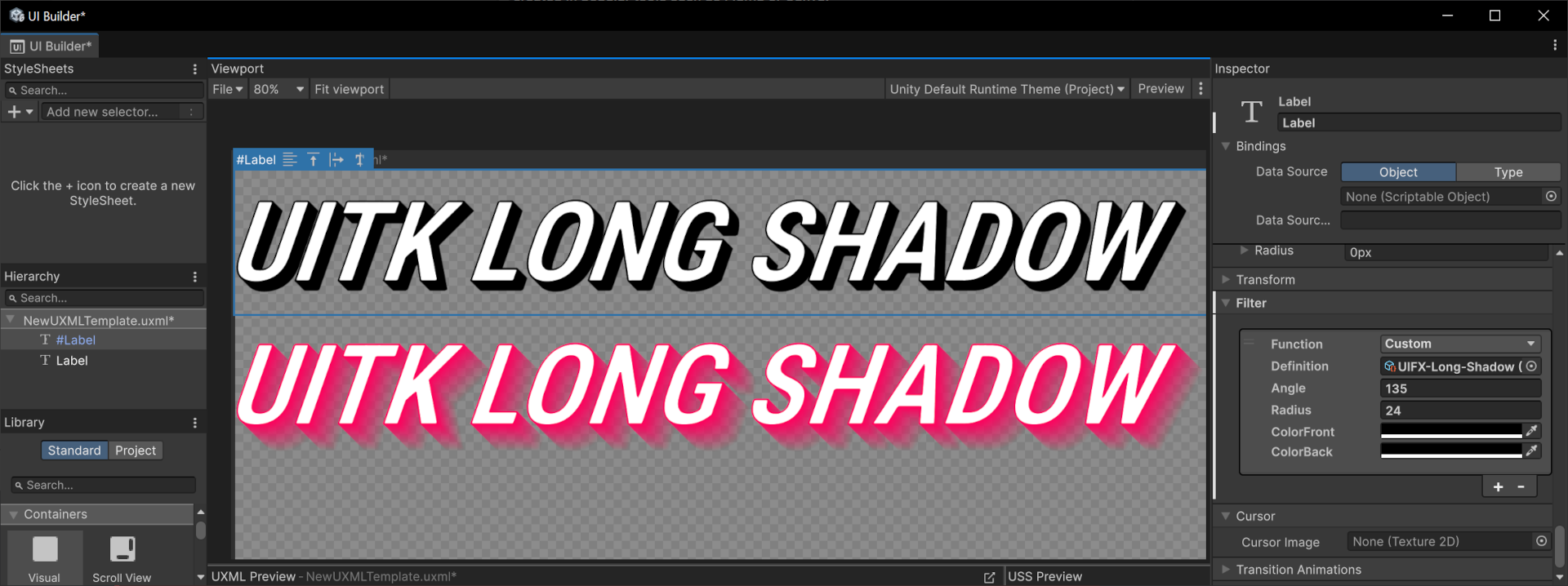
The Long Shadow Filter is very useful to create a high contrast 3D effect.
| Property | Type | Description |
|---|---|---|
| Angle | Float | The angle that shadow is cast in degrees. Default value is 135, range is [0..360]. |
| Distance | Float | The distance in pixels that the shadow is cast. |
| Color Front | Color | The front color of the shadow. |
| Color Back | Color | The back color of the shadow. |
Drop Shadow Filter
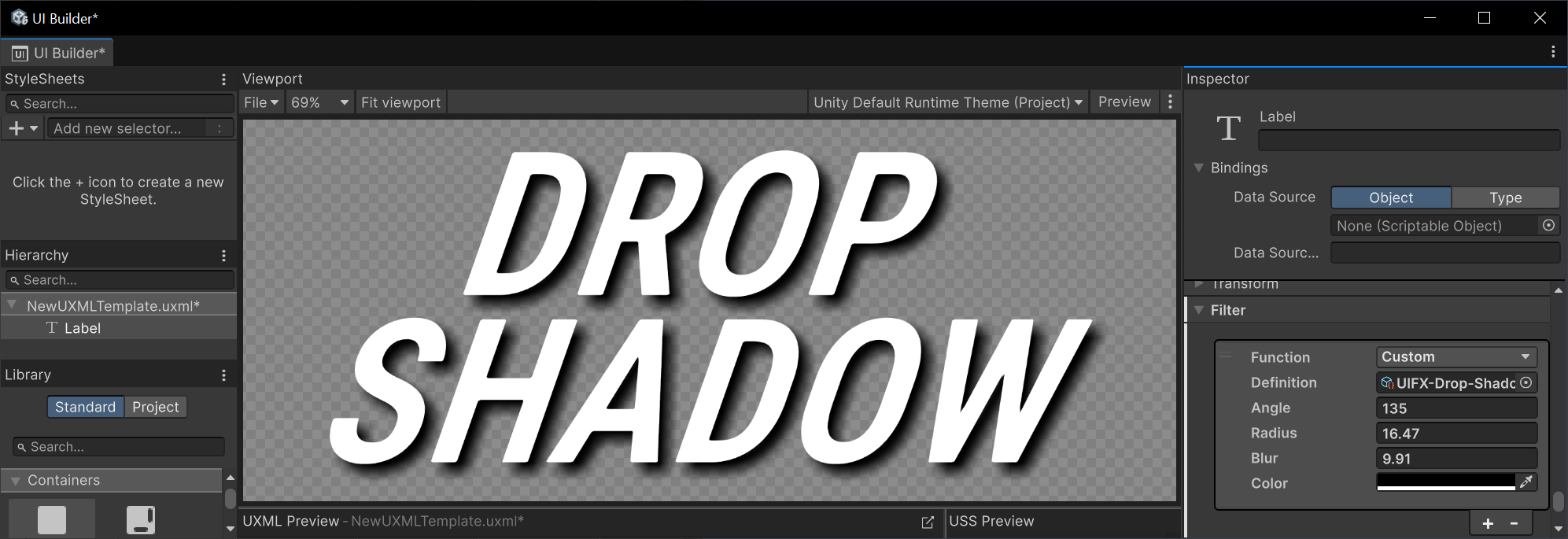
The Drop Shadow Filter draws a shadow outside the graphic. Note that this filter can be very expensive when using large blur sizes.
| Property | Type | Description |
|---|---|---|
| Angle | Float | The angle that shadow is cast in degrees. Default value is 135, range is [0..360]. |
| Radius | Float | The distance in pixels that the shadow is cast. |
| Blur | Float | The amount of blur to apply. |
| Color | Color | The color of the shadow. |
Inner Shadow Filter
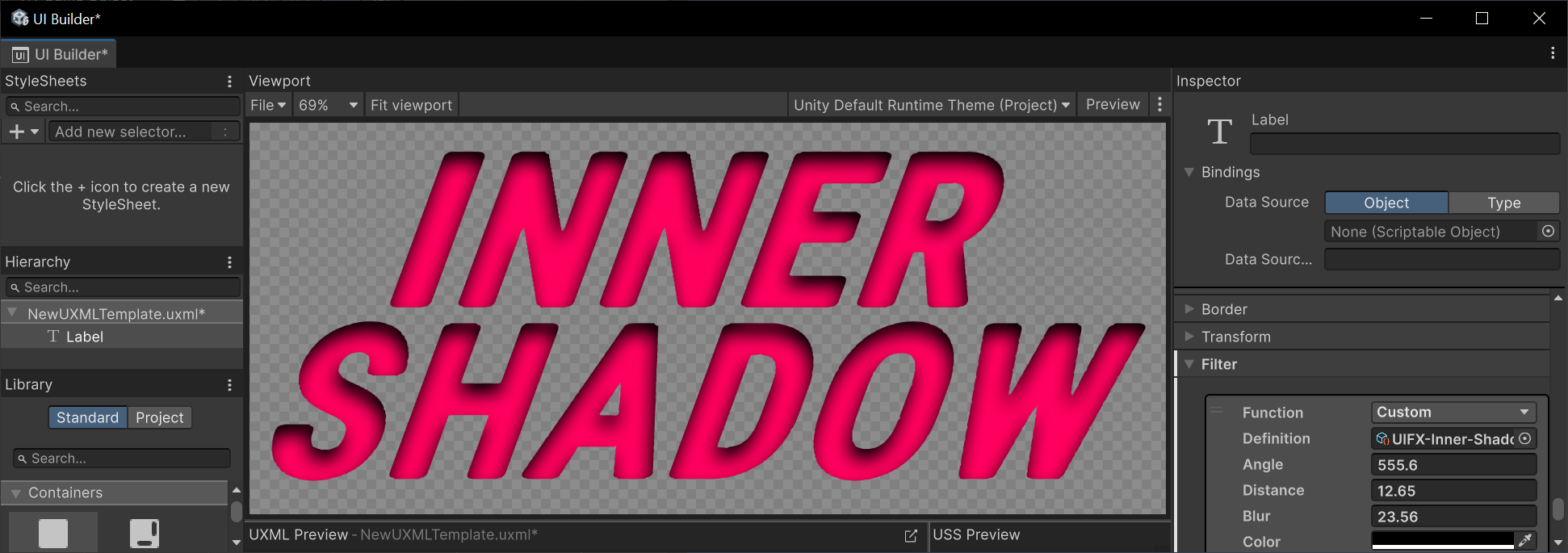
The Inner Shadow Filter draws a shadow inside the graphic giving a recessed appearance.
| Property | Type | Description |
|---|---|---|
| Angle | Float | The angle that shadow is cast in degrees. Default value is 135, range is [0..360]. |
| Distance | Float | The distance in pixels that the shadow is cast. |
| Blur | Float | The amount of blur to apply. |
| Color | Color | The color of the shadow. |
Inner Glow Filter
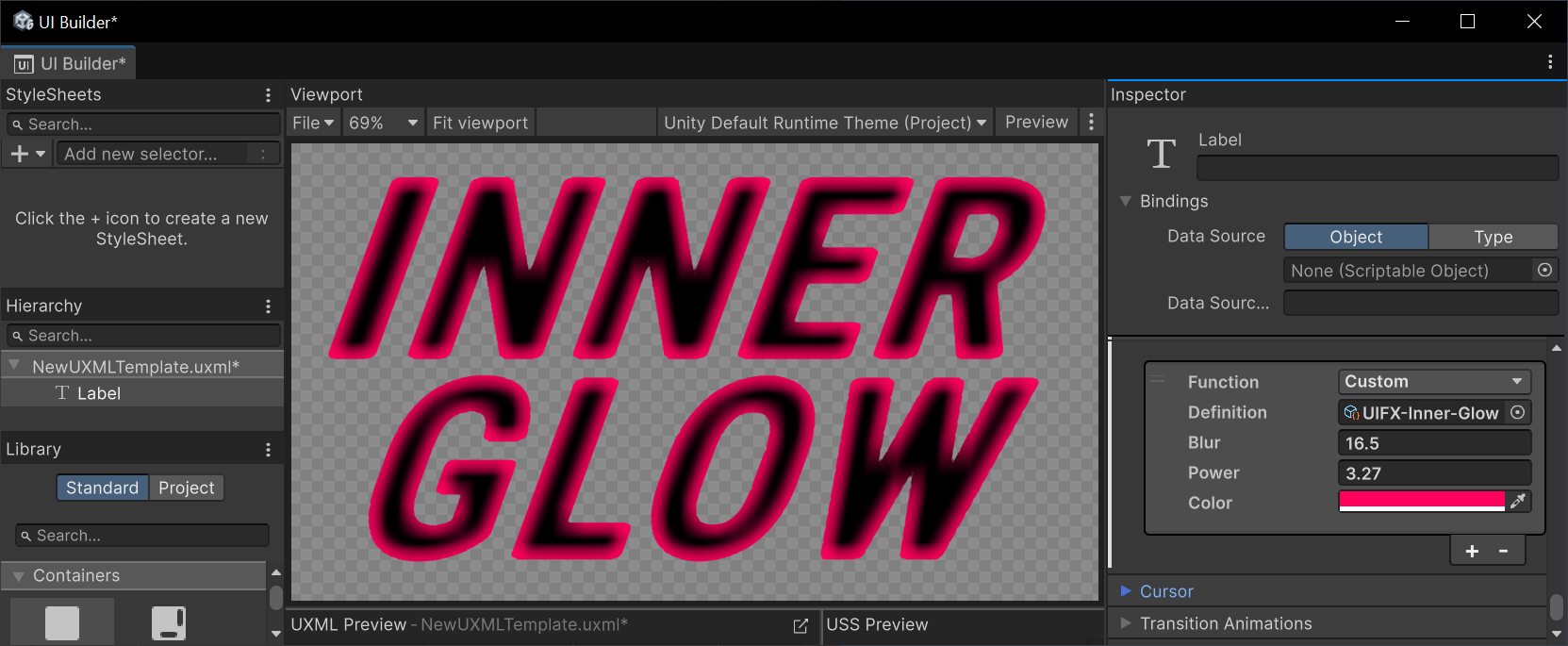
The Drop Glow Filter draws a glow inside the graphic.
| Property | Type | Description |
|---|---|---|
| Blur | Float | The amount of blur to apply. |
| Power | Float | Controls the falloff of the blur. |
| Color | Color | The color of the shadow. |
Usage
To start using these filters with UI Tookit you must first enable support in Preferences:
- Go to the
Edit > Preferenceswindow and open the UIFX options, enabledUI Toolkit Filters Supportand press theApply Changesbutton.
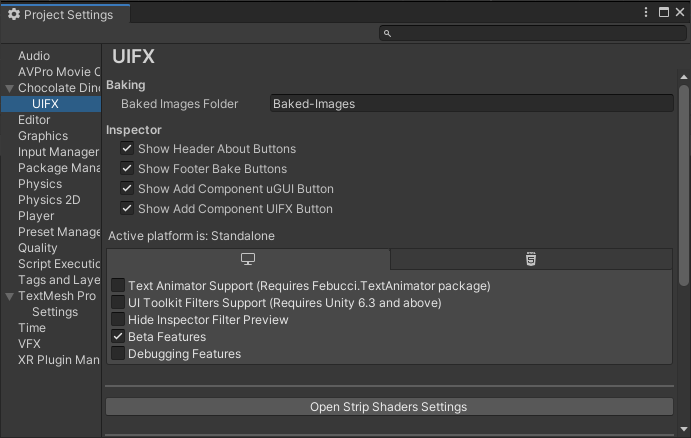
- Wait for the scripts to reload
- Close the Preferences window
Performance
Due to limitations in UI Toolkit's filter implementation we're not able to apply the same high level of optimisations as we have for UGUI. So be careful with applying these filters to large areas of the UI, or setting large blur values.