Doom Melt Filter (beta) Component
Overview
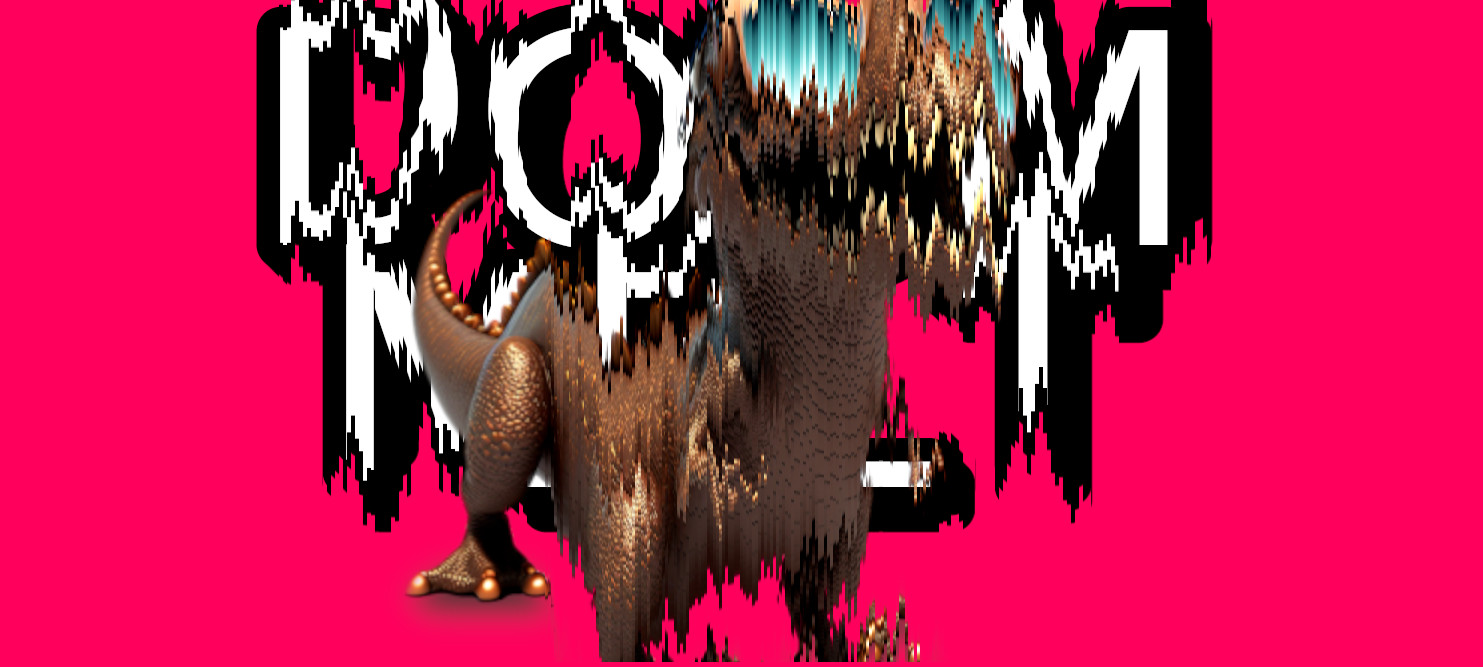
This component applies a filter to the Unity UI component to create an effect similar to the melting screen transition effect in the game DOOM.
Properties
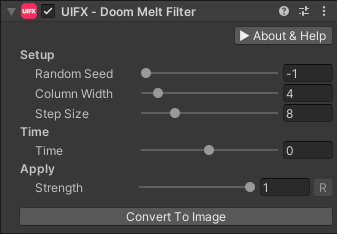
| Property | Type | Range | Default | Description |
|---|---|---|---|---|
| Setup | ||||
| Random Seed | Int | [-1..512] | -1 | Setting this to -1 will just use the random seed based on time, allowing it to be random every time it is enabled. Other seed values allow the melting effect to be deterministic. |
| Column Width | Int | [1..32] | 4 | The number of pixels that create a column that moves together. |
| Step Size | Int | [1..32] | 8 | The minimum vertical step size between columns. |
| Time | ||||
| Time | Float | [-1..1] | 0.0 | Controls the animation of the effect. |
| Apply | ||||
| Strength | Float | [0..1] | 1.0 | Strength of the effect. |
Setup
To use this BETA component with you first need to enable support for Beta features:
- Go to the
Edit > Project Preferenceswindow and open the UIFX options, enabledBeta Featuresand press theApply Changesbutton.
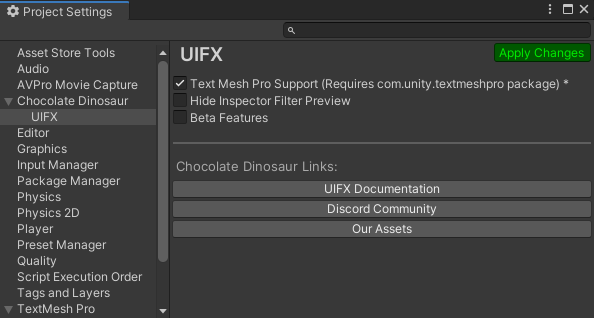
- Wait for the scripts to reload
- Close the Preferences window
Usage
Add this component to any GameObject that contains a UI Graphic component (eg Text, Image, RawImage, etc).
Usage with TextMeshPro
To use this filter effect with TextMeshPro use the Filter Stack (TextMeshPro) component.