Composite Layer Component
Overview
This component composites (renders) all child UI elements together into a single layer (texture).
Benefits:
- Filters - apply filters to multiple UI elements at once.
- Transition filters - Apply transition filters to fade on/off entire parts of the UI instead of just individual elements.
- Better opacity control - When fading opacity via
Canvas Groupthe overlapping UI elements will render correctly instead of showing overlap artifacts.
- Better performance - All child UI element rendering is disabled once baked into the
Composite Layer, saving precious draw calls. Child UI elements only need to render when they are modified.
WebGL Demo
Properties
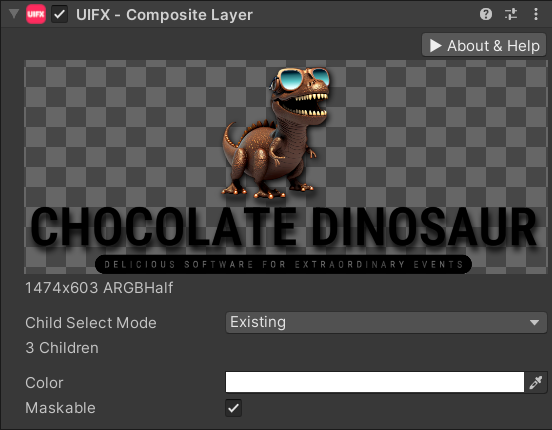
| Property | Type | Range | Default | Description |
|---|---|---|---|---|
| Color | Color | White | The color to tint (multiply) this Graphic when rendering. | |
| Maskable | Boolean | True | Whether or not this Graphic should support the masking components. |
Usage
Add this component to a empty UI GameObject that has child UI elements that you want to render into a layer.
You can then add filter components below the Composite Layer component, and even Canvas Group component to control opacity.